 CashGuardCashGuard
CashGuard reads every bank transaction alert automatically — across all 31 Sri Lankan banks — and helps you stop overspending right after payday. 100% on your device.
Dark, minimal, purple-to-blue — built for daily glances
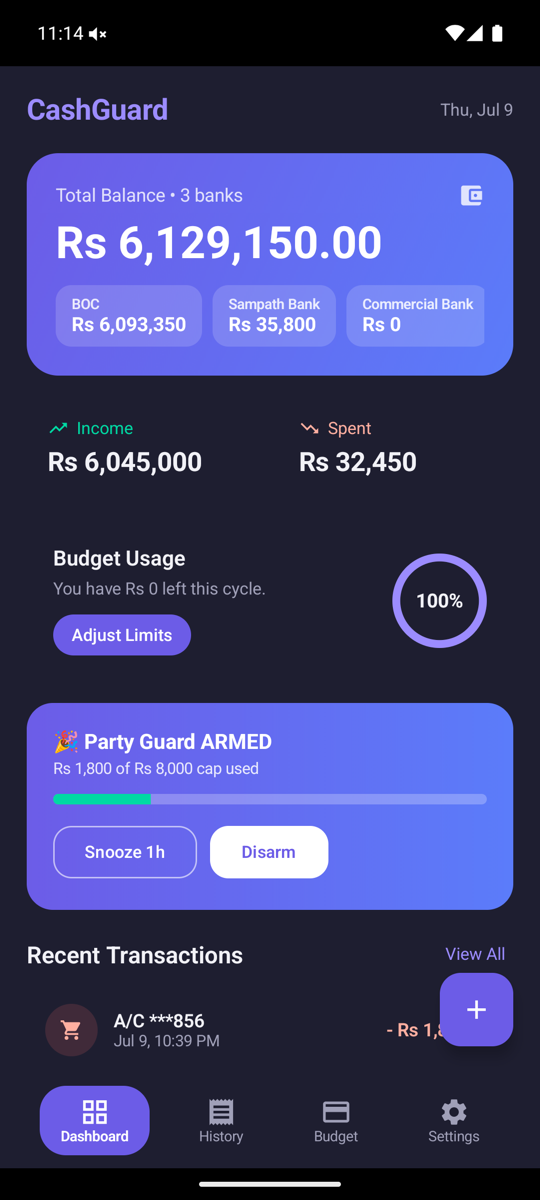
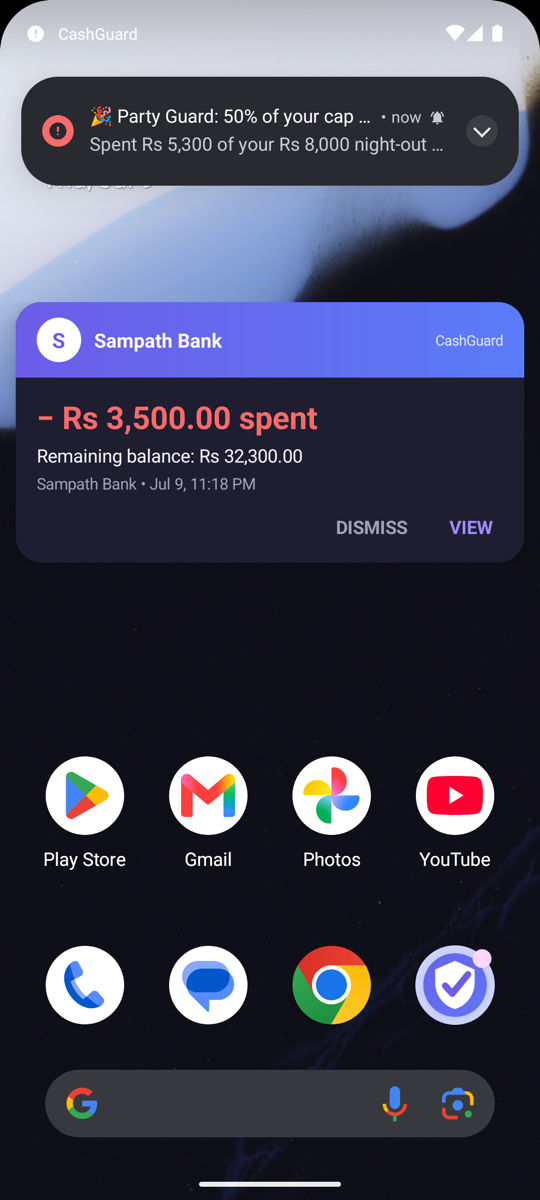
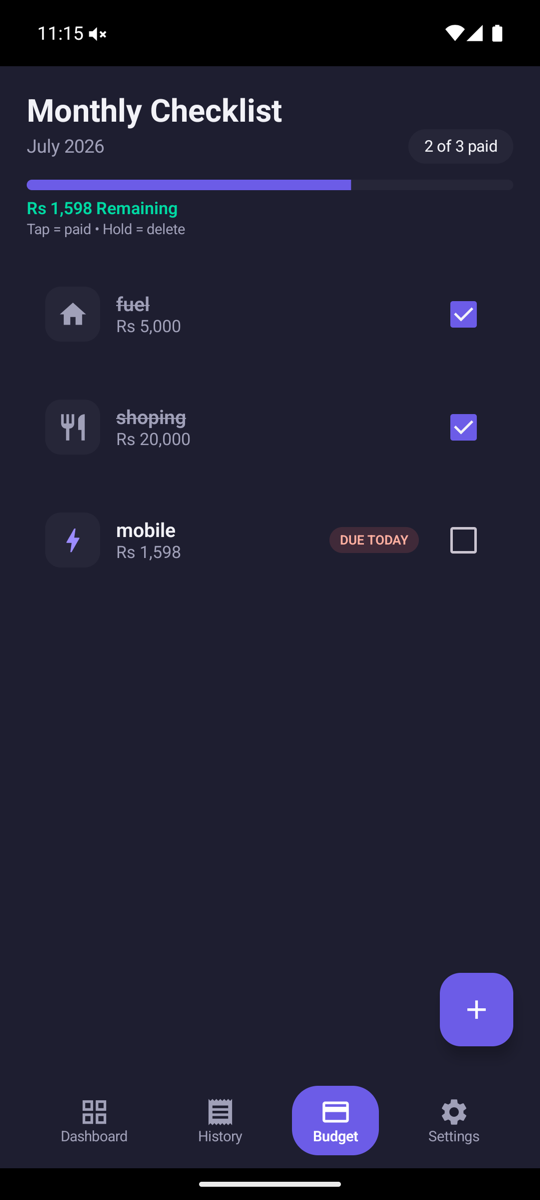
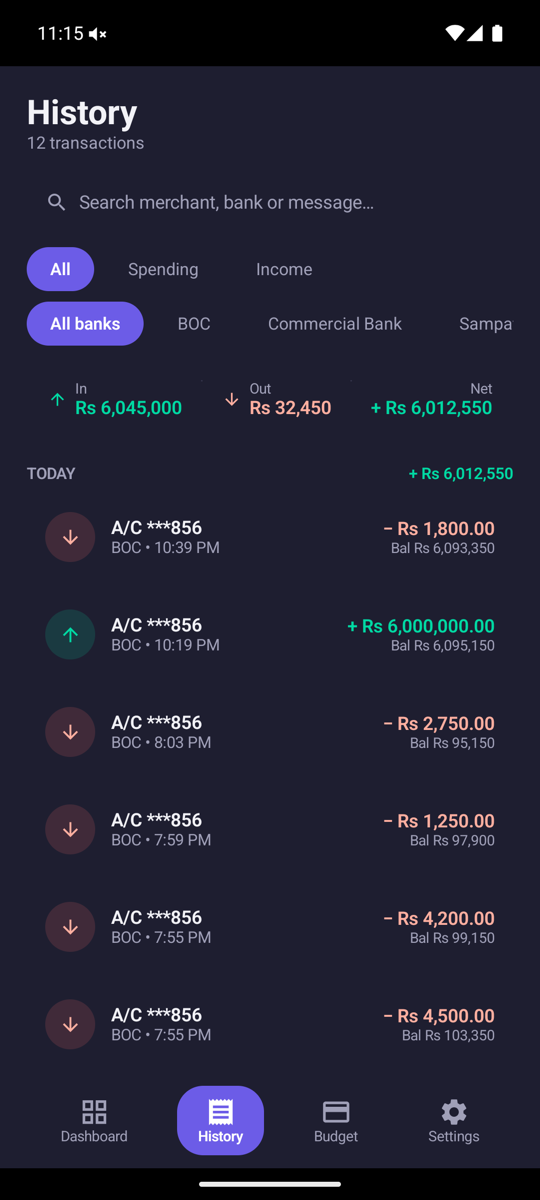
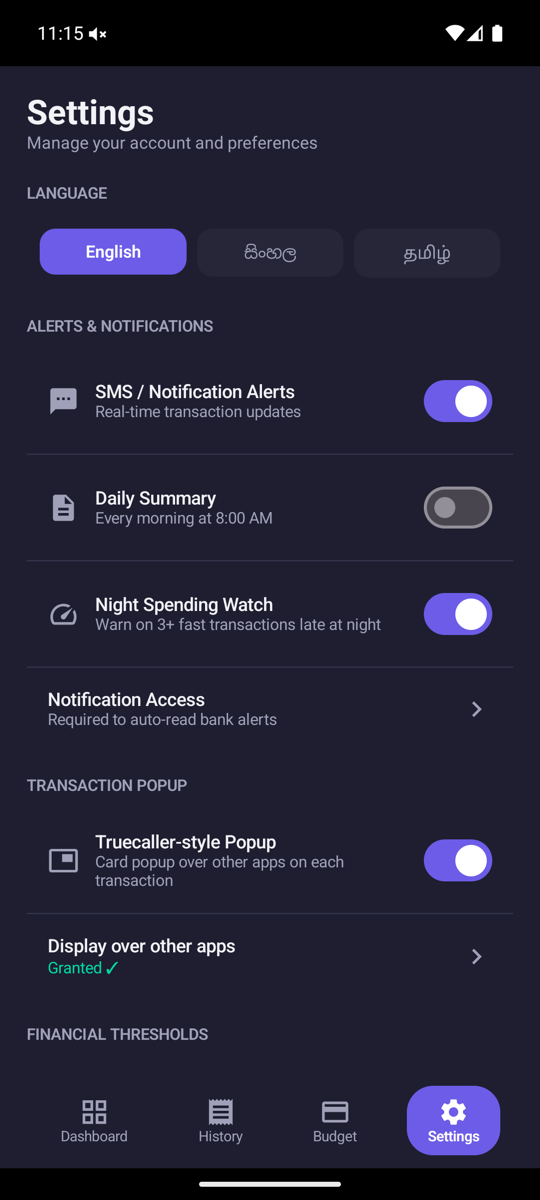
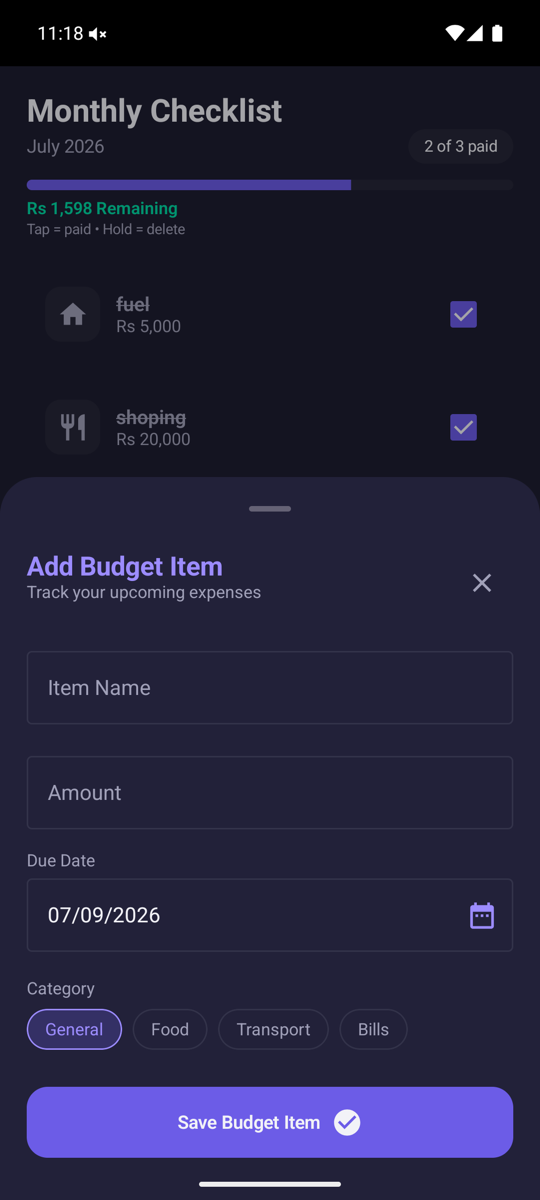
No typing, no manual entry — just install and it works
Reads transaction alerts from all 31 licensed commercial, specialised and foreign banks plus Hutch/SLTMobitel — no SMS permission, no manual setup.
List your recurring bills — rent, electricity, loans. They tick themselves off automatically when a matching transaction is detected.
Arm a spending cap before a night out. Warnings at 50%/80%, a loud alarm on every transaction past the cap, and a morning-after summary.
A branded card appears over whatever app you're using the instant a transaction happens — not just another notification lost in the shade.
Optionally set your payday date(s) so your budget resets when your income actually arrives, not on the calendar's 1st.
Pick your language on first launch and switch anytime in Settings — the whole app, fully translated.
Two minutes, no Play Store account needed
Download the APK using the button above (or from the Releases page).
Open the file — Android will ask to allow installs from your browser/file manager. Allow it, then tap Install.
Grant Notification Access when the app asks (or later via Settings → Notification Access). This is what lets CashGuard read bank alerts — no SMS permission is ever requested.
That's it — spend as normal, and every bank alert shows up automatically.